Ok then, it's actually easy if you use
VDO.Ninja. You just have to add your cam there, you can see how to do it in this
video from 45'' to 1'20''. You'll get an URL which you'll give to the other person to input on a Browser Source.
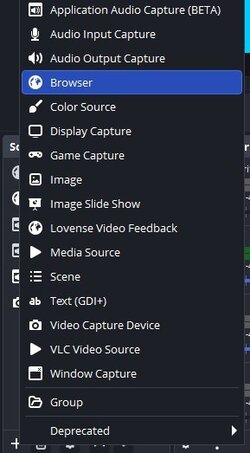
View attachment 105752
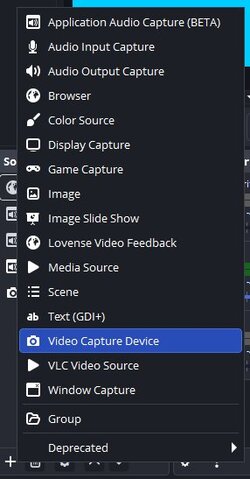
Add (+) > Browser > Create New > Ok
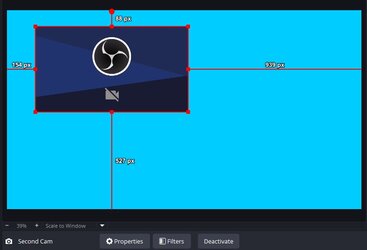
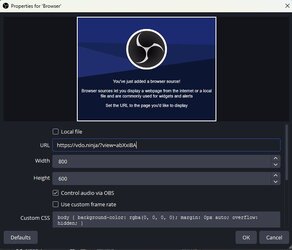
Input the URL of the cam (should be something like "https//vdo.ninja/?push=unique code") and that's it. Then the other person does the same and gives you their URL.
View attachment 105753
Be sure to check "Control Audio via OBS" so you have a slider and can adjust volume or mute it.
Just as Vixxen said, contact support to greenlight you. Guess that if you're allowed, you're gonna have to get verified on each other's accounts. Hope it helps.